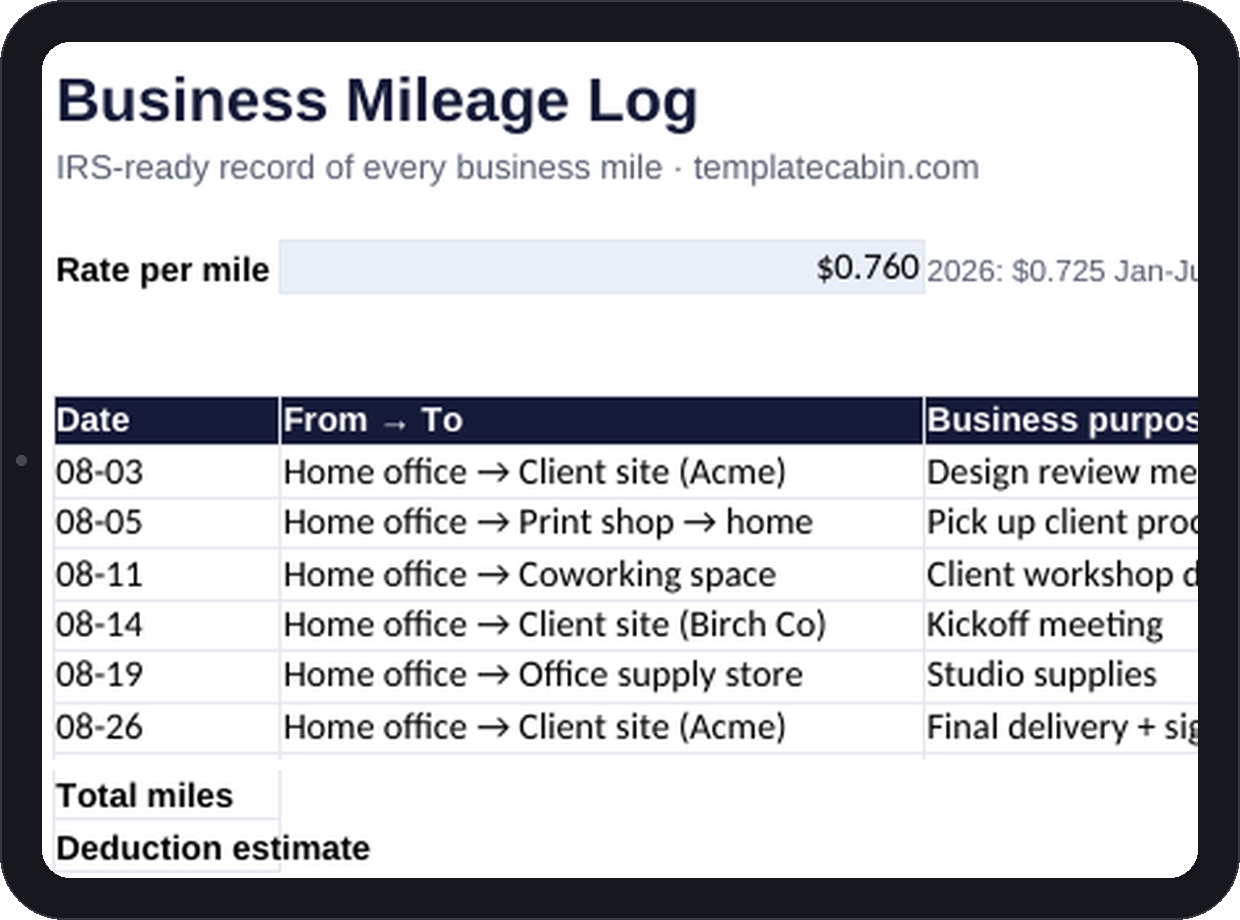
The IRS standard mileage method pays per documented mile, and the entire deduction lives or dies on that word “documented.” Reconstructing a year of driving from memory in April almost never survives real scrutiny, which means self-employed people who don’t log as they go are quietly leaving money on the table all year. This log captures the four fields that matter (date, route, business purpose, miles) and turns them into a deduction estimate without any extra work.
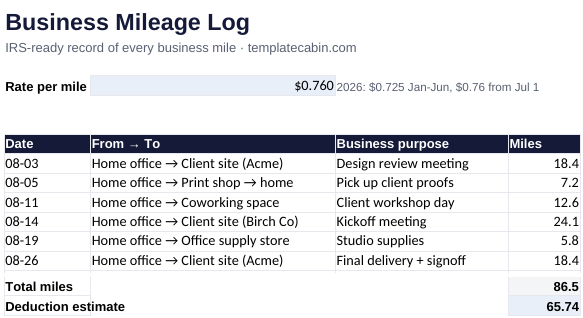
Forty-five trip rows cover date, from and to, business purpose, and miles, next to a rate cell that already carries the 2026 IRS numbers: $0.725 per mile through June, $0.76 from July 1, since the IRS raised the rate midyear this time. Total miles and the deduction estimate update automatically as rows fill in. The example month runs 86.5 miles at the second-half rate and comes out to $65.74, checked independently before publishing.
Log from the parking lot, not from memory a week later. The Google Sheets mobile app makes each entry a twenty-second task, and “design review meeting” as a purpose survives an audit years later in a way that “errands” never will. Round-trip entries work fine; let your maps app supply the distance rather than estimating it. Because the rate changed partway through 2026, it’s worth keeping first-half and second-half trips on separate tabs so each batch uses its own number, and the rate lives in an input cell specifically so a change like this doesn’t mean rebuilding the sheet.
What counts as a business mile, in broad strokes and not as tax advice: trips from your workplace, including a qualifying home office, to client sites, between job sites, to buy supplies, and to business meetings. Regular commuting doesn’t count, and neither do personal errands folded into a business trip. One habit worth adopting alongside this log: photograph your odometer every January 1st. It takes ten seconds and establishes the annual total your business-use percentage is measured against.
Even a single weekly client visit makes this log worth several hundred dollars a year in a legitimate deduction. If you bill clients for travel, it doubles as your billing record alongside the invoice template. Standard mileage, which this log tracks, is simpler than the actual-expenses method and usually wins out for an economical car, though a tax professional can tell you which one actually fits your situation. Free, no signup, for personal or commercial use. Spot an issue? Tell us and we’ll fix the file.
Grab the file and follow the setup steps above. It takes about two minutes.
Download the mileage log (.xlsx)