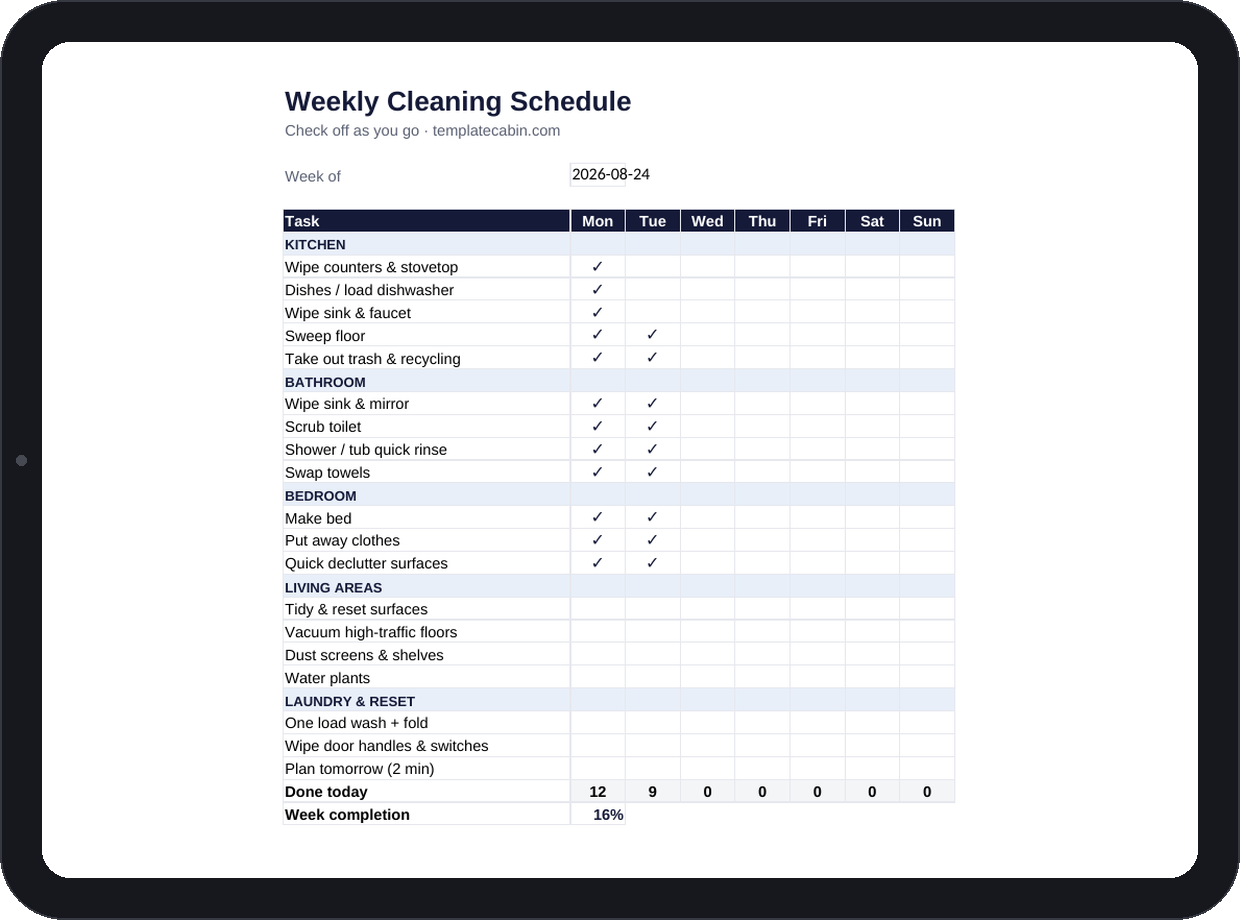
Forty-item daily checklists look satisfying on day one and are usually abandoned by Thursday. This one is built around a different idea, which is that you’re not actually supposed to check every box every day. Nineteen small tasks spread across five areas, kitchen, bathroom, bedroom, living areas, laundry, with a checkmark dropdown for each day, and a built-in tracker that counts what actually got done instead of judging what didn’t.
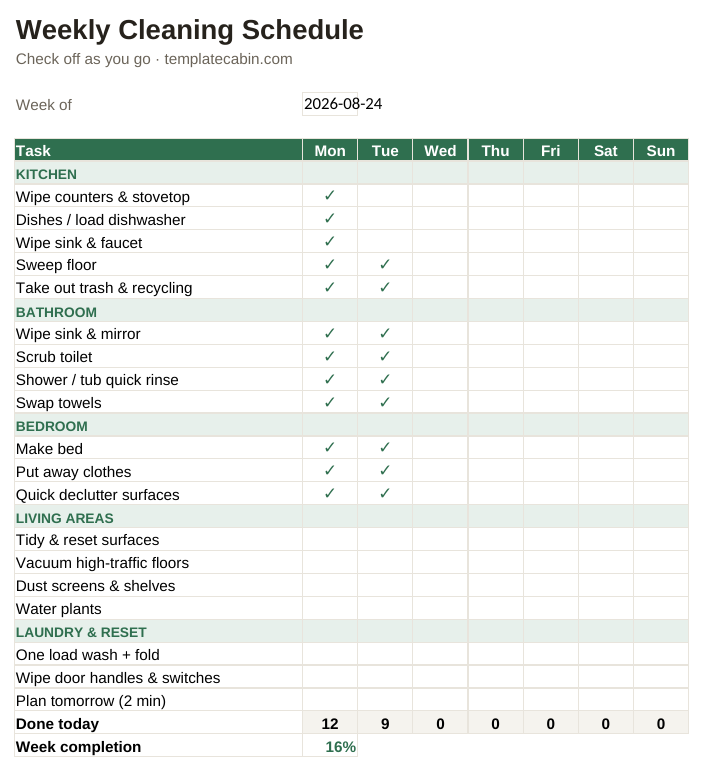
Live counters show tasks done per day and a week-completion percentage, and neither one is meant to hit 100%. The example week sits at 16% by Tuesday, and a genuinely well-kept home usually lands somewhere around 40 to 60% for the week, not higher. A separate monthly and seasonal tab holds the deep cleans, the fridge, the oven, filters, the mattress, so those stop cluttering the weekly list and haunting it instead as things that never quite get done.
Daily tasks here take about two minutes each by design. The heavier items show up once a week, and deep cleans are rationed to one or two per weekend on the monthly tab rather than all landing at once. Marathon cleaning days work exactly once, usually right before guests arrive; a rotation like this works indefinitely, because nothing on any single day requires more than a few spare minutes. The real goal isn’t spotless, it’s preventing the slow slide that eventually makes a marathon cleaning day necessary in the first place, which is also why “quick declutter surfaces” made the list even though it’s not technically cleaning. Clutter, more than dirt, is usually what makes a home feel out of control.
Check tasks off by clicking a cell and picking the checkmark, no typing required. After a couple of weeks, scan the daily-total row rather than any single day; zero days tend to cluster on the same weekday for most people, and that’s schedule information worth acting on, not a character flaw to feel bad about. Clear the checkmarks at the start of each new week, or duplicate the tab first if you’d rather keep a running history to look back on. It works the same in Google Sheets (File, Import, Upload, then “Replace spreadsheet”), task names are plain text so you can edit them freely without breaking the counters, and the grid fits one landscape page if you’d rather have a paper copy on the fridge. For a household with more than one person, duplicating the tab per person or swapping initials in for checkmarks both work fine. Pairs naturally with the habit tracker if you want a streak view on top of the task view. Free, no signup, personal and commercial use included. Spot a problem? Tell us and we’ll fix the file.
Grab the file and follow the setup steps above. It takes about two minutes.
Download the schedule (.xlsx)