Divide a $70,000 salary by 2,080 working hours and you get $34 an hour, a number that quietly starves freelancers who use it. Salary math assumes every hour is billable, every week is worked, and nobody pays for their own health insurance. None of that is true once you’re self-employed, and the gap between $34 and what you actually need to charge is the whole reason this calculator exists.
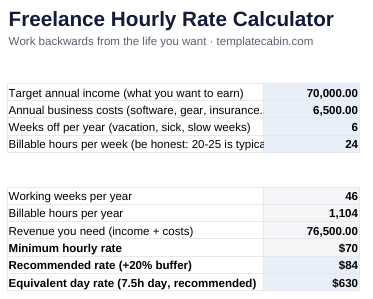
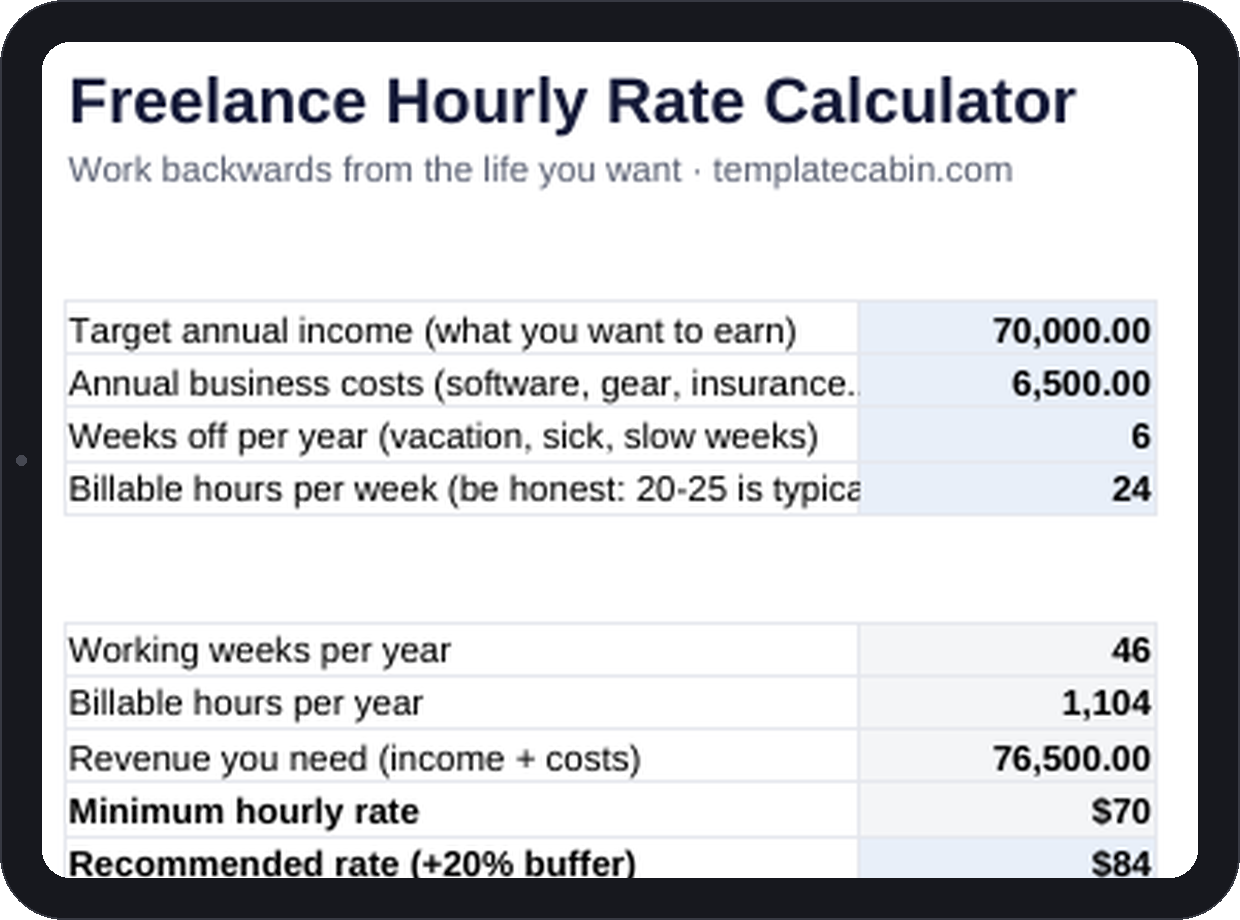
It works backwards instead. Enter a target annual income the way you’d quote a salary, pre-tax, then your business costs, the weeks you actually take off, and how many hours in a real week end up billable, not just worked. A 40-hour freelance week usually holds 20 to 25 billable hours once you subtract admin, pitching, and the work you do for free. The example runs $70,000 target income against 24 billable hours a week and 6 weeks off, and comes out the other side at 1,104 billable hours a year, $76,500 in required revenue, a $70 minimum rate, and an $84 recommended rate with a 20% buffer built in.
That buffer is doing real work, not padding the number to feel safer. It’s what absorbs a cancelled project, a client who pays net-60 instead of net-30, or scope that crept past what you quoted, without those things eating into the income you actually need. If your market genuinely won’t support the number the sheet gives you, that’s useful information too, since it means the fix is positioning or hours rather than a rate you talk yourself out of every time you send a quote.
Only the four input cells (in green) need touching. Everything else, including a day rate for project quotes, updates the moment you change one. Google Sheets works the same way (File, Import, Upload, then “Replace spreadsheet”). Recompute it twice a year, or whenever costs shift enough to matter, since ten seconds of new inputs beats guessing at a number you set eighteen months ago. Once you’ve got a day rate, the invoice template is where it turns into something a client actually pays.
Part-time freelancers should run the same math with their own inputs; they’re usually the most underpriced group of all, because they anchor on a day job’s hourly wage instead of what self-employment actually costs. Health insurance belongs in the costs cell if you’re the one paying for it. Free, no signup, and if the math looks off, tell us and we’ll retest it. This is a planning tool, not financial advice.
Grab the file and follow the setup steps above. It takes about two minutes.
Download the calculator (.xlsx)