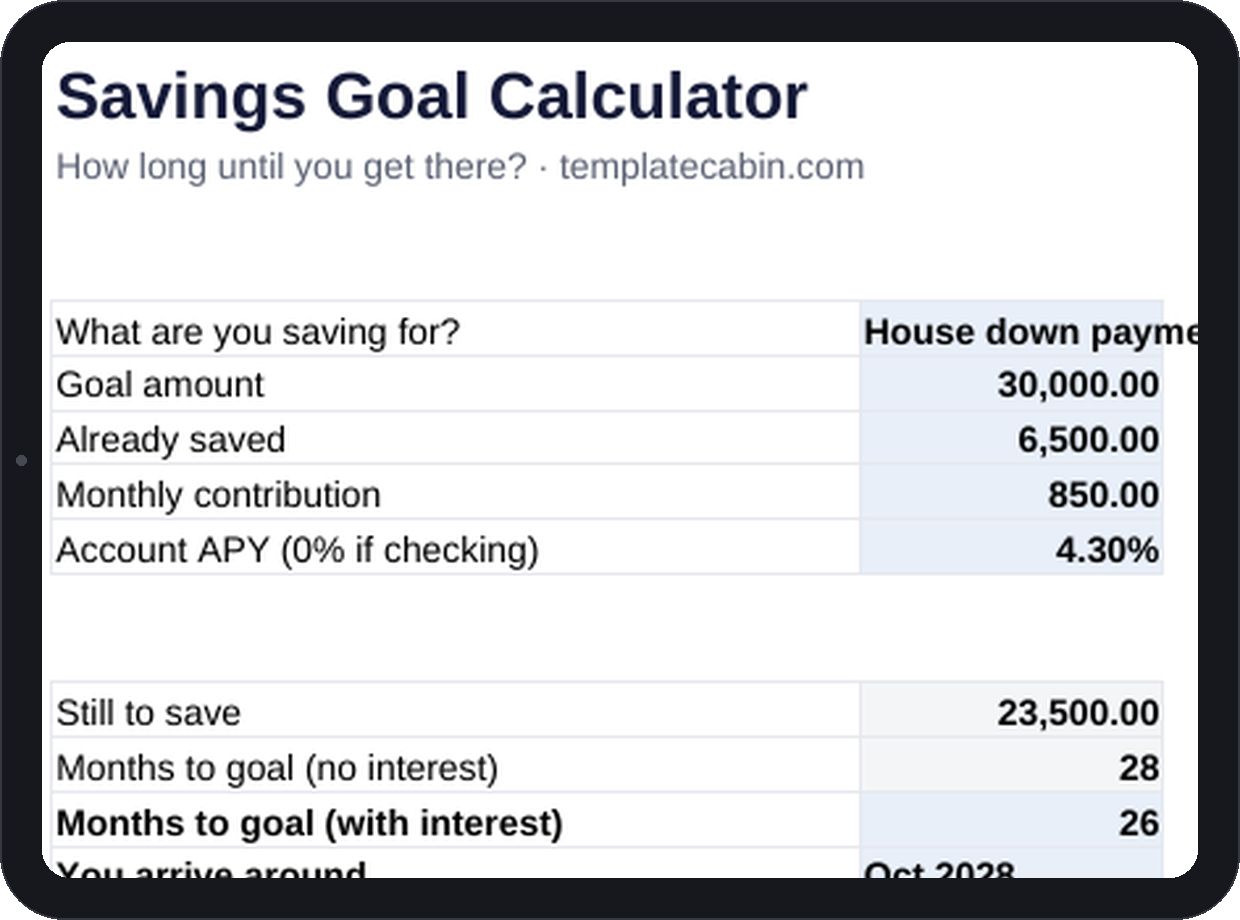
A down payment stops being a someday the moment it has a month attached to it. “October 2028” is an appointment in a way that “eventually” never is, and appointments get kept in a way vague goals don’t. Four numbers in, and this sheet hands back the one thing most savings goals are missing: an actual date.
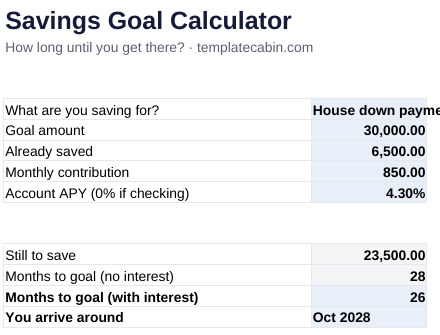
Enter the goal amount, what’s already saved, the monthly contribution you’ll realistically make, and your account’s APY, and two timelines come back: months to goal with no interest counted at all, and months to goal with real compound math (NPER) doing the work interest actually does. The arrival date recalculates from today every time the file opens, so it stays honest instead of drifting stale. The worked example starts at $6,500 saved toward a $30,000 goal, contributing $850 a month at 4.3% APY, and arrives in 26 months, a number checked independently before publishing.
Interest in that example is seasoning, not the meal: the high-yield account shaves about two months and roughly $1,700 off the timeline, which is a real reason not to park a multi-year goal in a checking account earning nothing. But it’s not what moves the date the most. Raising the monthly contribution from $850 to $1,000 pulls the goal in by about five months, while chasing an extra half a point of APY saves a week or two at best. If you want to hit a goal sooner, the contribution is where that decision actually lives.
Use whatever APY the money actually earns wherever it actually sits; if it’s sitting in a checking account, enter 0 and read the no-interest row instead. For goals more than a few years out with real market exposure, this sheet won’t pretend to model investment returns the way it models a savings account, since market returns aren’t a fixed APY to begin with. For anything under about five years, savings-account math is the standard conservative way to plan anyway. It works the same in Google Sheets (File, Import, Upload, then “Replace spreadsheet”), and duplicating the tab once per goal turns a row of arrival dates into a better dashboard than most finance apps manage.
A goal this size deserves its own account, or at minimum a clearly named bucket, since money that’s mixed in with everyday cash becomes ambiguous and easy to quietly raid. It’s the same logic behind sinking funds, just pointed at a single larger target instead of several smaller ones. Free, no signup. This is general information, not financial advice. Spot an error? Tell us and we’ll retest and fix it.
Grab the file and follow the setup steps above. It takes about two minutes.
Download the calculator (.xlsx)